EPISODE 001
Command Center Setup
Coming Soon
You've seen what Claude Code can do. Websites from a single prompt. Entire marketing systems. The power is real.
But there's still a gap between seeing what's possible and actually getting there. And it's not the AI. It's the infrastructure underneath it. Terminals, Git, GitHub, deployment. The plumbing that everything runs on before the AI can do its job.
When my co-founder first said GitHub, my actual response was, "What's wrong with a Google Doc."
There are two phases of GitHub for marketers. Phase one is "what is this." Phase two is "why does this hate me." Both are normal. Both pass.
The gap between seeing what's possible and getting there isn't the AI. It's the infrastructure underneath it.
VSCode. If you wanted to build web apps, you could use Claude in the browser. But you're building a full marketing platform. Emails, ads, social, decks, web pages. All from one project. VSCode lets you see and point Claude at all of your project files and knowledge bases as you work, so you can influence every marketing touchpoint from one place.
The Claude extension. This is how you go from chatting with AI to building with it. Claude inside VSCode can read your files, write code, run commands, and deploy. Not answer questions. Actually do the work. That's the difference.
Sign in. Click the Claude icon in the sidebar. Sign in with your Anthropic account. Claude Max works. An API key works too. This is the one subscription you need. Everything else is free.
I built a setup repo that does it for you. It's called the AI Marketing Command Center. You download it, open it, tell Claude to walk you through the setup. Claude handles the technical parts while you follow along.
Claude reads the instructions I baked into this repo and becomes the tutor you wished you could hire. The one that sits next to you and says, "do this, now do that, here's why."
It walks you through five steps:
Step 1. Create your project structure. Claude builds the marketing-ai folder with organized subfolders for your knowledge base, content, learnings, and web assets.
Step 2. Install missing tools. Git. Node.js. Live Server. Claude checks what's already on your machine and installs what's missing.
Step 3. Git and GitHub. Claude initializes version control, walks you through a GitHub account if you need one, and pushes your project to a private repo. Your work is backed up in the cloud.
Step 4. Connect Vercel. Sign up with your GitHub account, point it at your repo, set the root directory to web-assets. Deploy.
Step 5. Test the loop. Change a heading, push it, watch it go live. Edit. Push. Live. Thirty seconds.
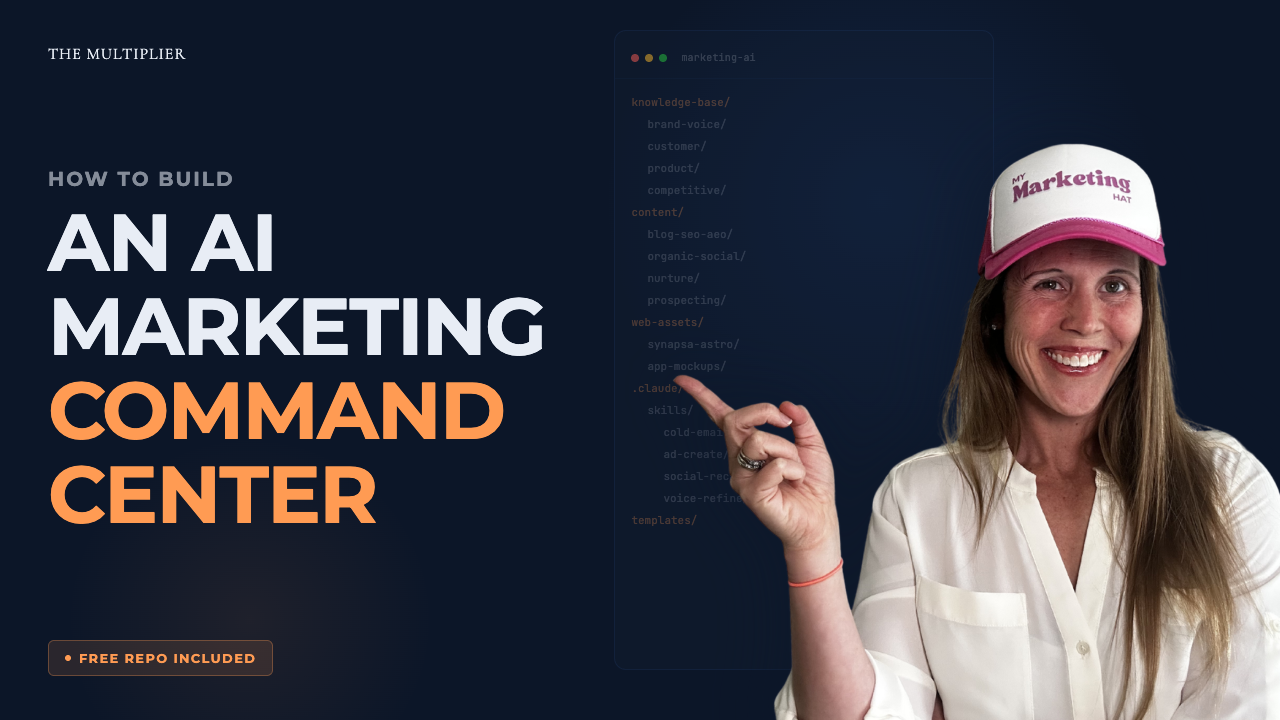
Your marketing-ai folder has four areas. Each one serves a different purpose.
marketing-ai/
├── knowledge-base/    What you know (voice, competitors, customers)
├── content/            What you create (ads, email, social, decks)
├── learnings/          What you learn (frameworks, trainings)
└── web-assets/         What goes live (only folder Vercel deploys)
Knowledge base is what you know. Company context. Customer research. Competitive intel. Brand voice. This is what makes AI outputs sound like you instead of a robot.
Content is what you create. Organized by channel. Every piece of marketing output has a home.
Learnings is what you learn. Frameworks, expert trainings, advice you want to remember and apply later.
Web assets is what goes live. This is the only folder Vercel deploys. Everything else stays private.
That separation matters. Most people dump everything into one place and wonder why their AI outputs leak internal context or sound incoherent. The architecture prevents that before it starts.
Once the loop is working, this is where you live. Not in GitHub. Not in Vercel. Those run in the background after this one-time setup.
Your world is VSCode. Project files on the left, what you're building on the right, Claude in the middle. That's it.
The design system you build for your website becomes the same one Claude uses for your slides. The voice rules you write once get used for emails, ads, social posts, decks. Your competitive research feeds your battlecards and your blog strategy. It all lives in one project and it all compounds.
The architecture is what separates a system from a mess. Four folders. Clear separation. One project that compounds across every marketing channel you touch.
Subscribe and get each episode as it drops.